One-click protection
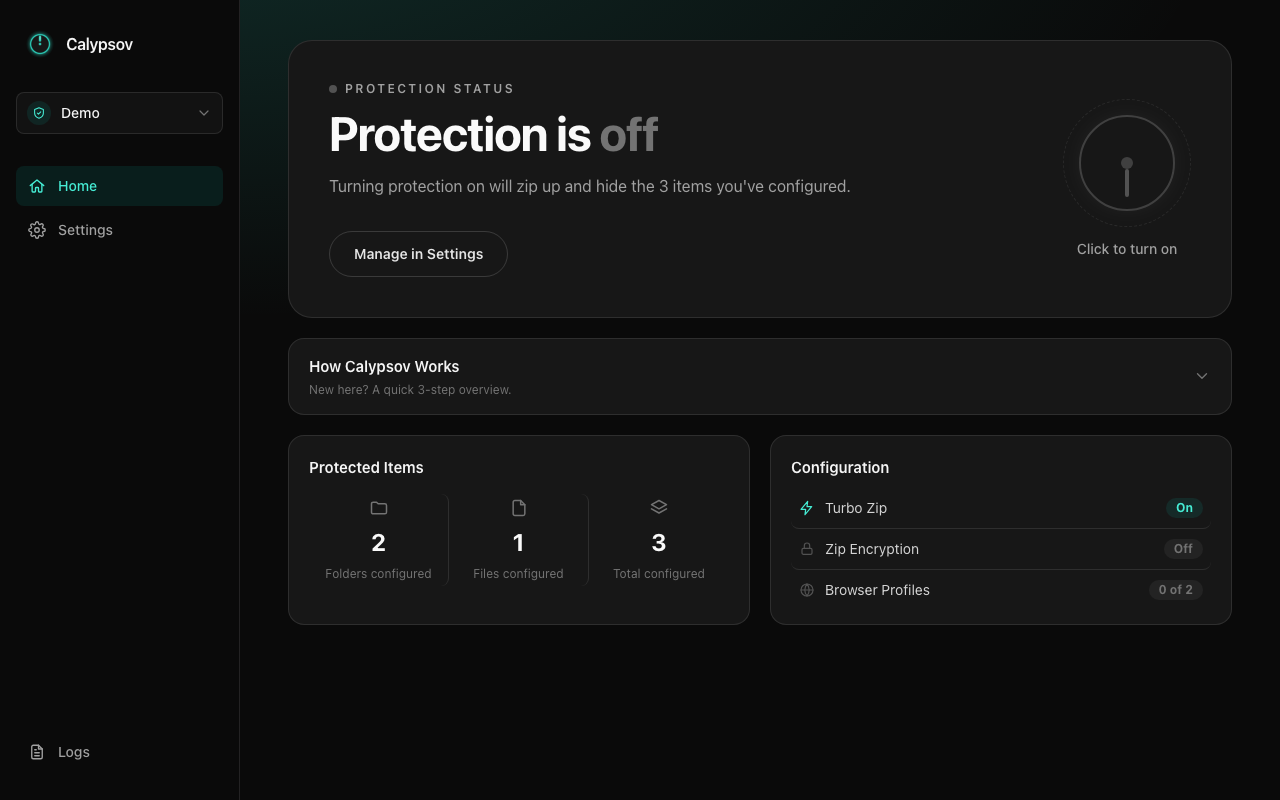
Flip one dial to zip up and hide everything you've configured. Flip it back to restore it exactly as it was.
Free & open source · macOS & Windows
Calypsov hides your private folders, files, and browser profile data instantly — fully local, no cloud, no account. Nothing ever leaves your machine.
No servers, no accounts, no syncing. Calypsov just zips up what you choose and hides it, locally, until you decide to bring it back.
Flip one dial to zip up and hide everything you've configured. Flip it back to restore it exactly as it was.
Keep separate setups for different contexts — like Personal and Work — and switch between them instantly.
Protect whole folders, individual files, and even a selected browser profile's bookmarks and saved logins — all in one sweep.
Splits large batches of folders across multiple CPU cores for noticeably faster protection once you've configured 20+ folders.
Add an extra layer of protection to the zipped archive itself, and keep your configured path list hidden from anyone else using your computer.
See exactly what the app has done, with a searchable log viewer for peace of mind and troubleshooting.
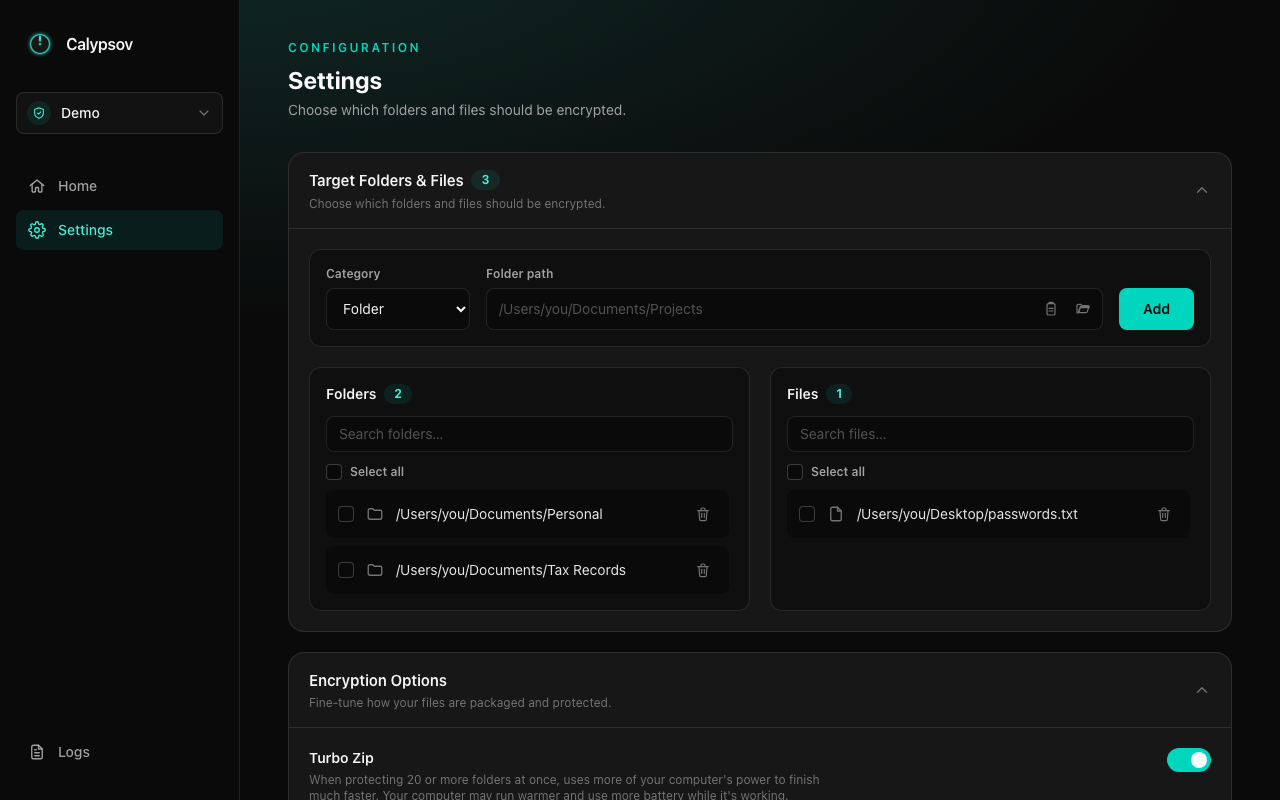
Add folders, files, or a browser profile in Settings.
Everything you picked gets zipped up and hidden instantly.
Restores everything exactly as it was, whenever you want.
Manage targets, Turbo Zip, encryption options, and profiles from one place.
Free, open source, and available for macOS and Windows.
Builds aren't code-signed yet, so macOS will show an "unidentified developer" warning (right-click → Open to bypass) and Windows will show a SmartScreen warning (More info → Run anyway).